Not automatically. A negative WooCommerce stock quantity can reflect customer commitments already deducted from stock, even when the shelf is empty. Resetting it to zero can remove that deficit from the recorded quantity without cancelling the orders.
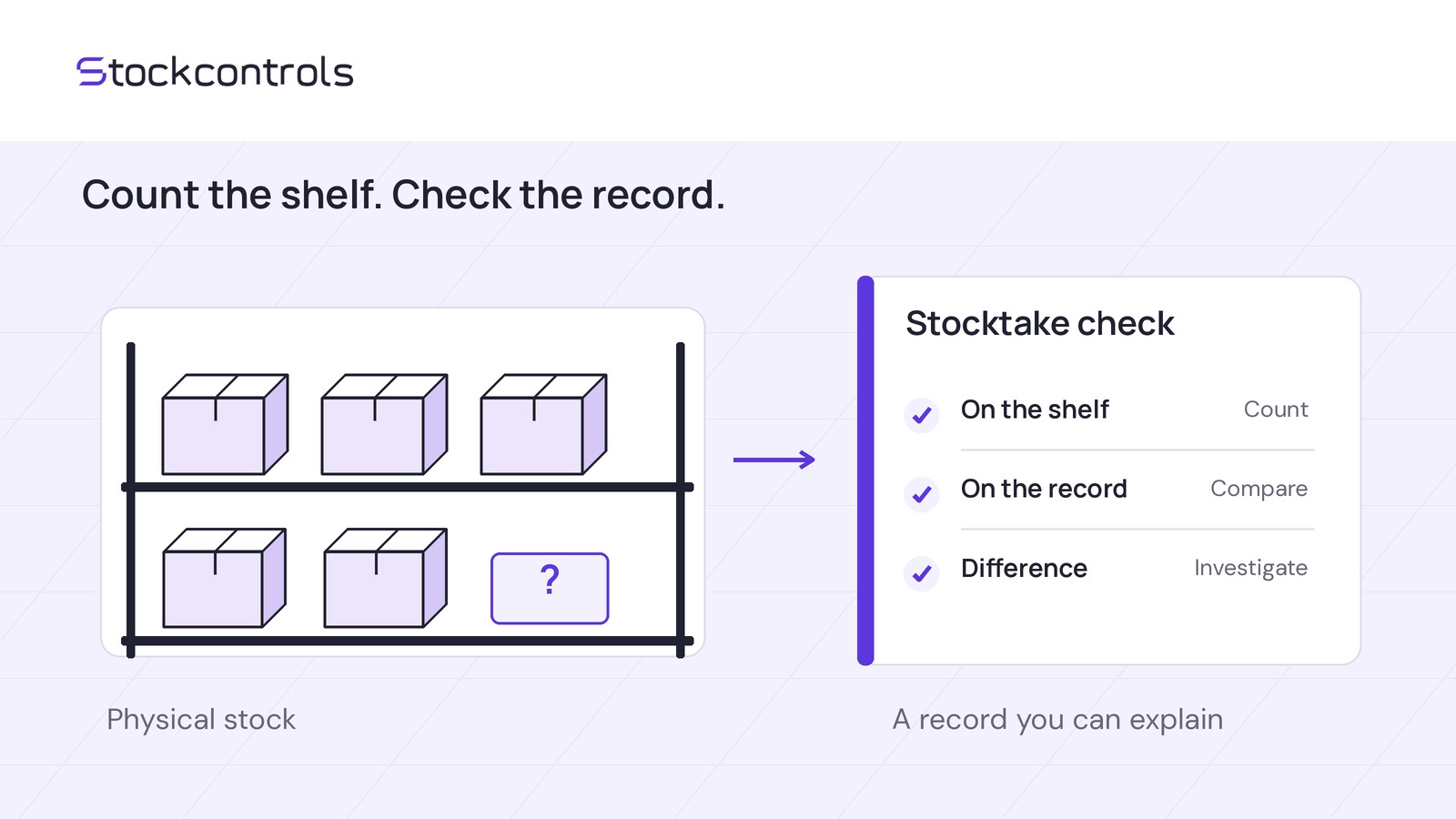
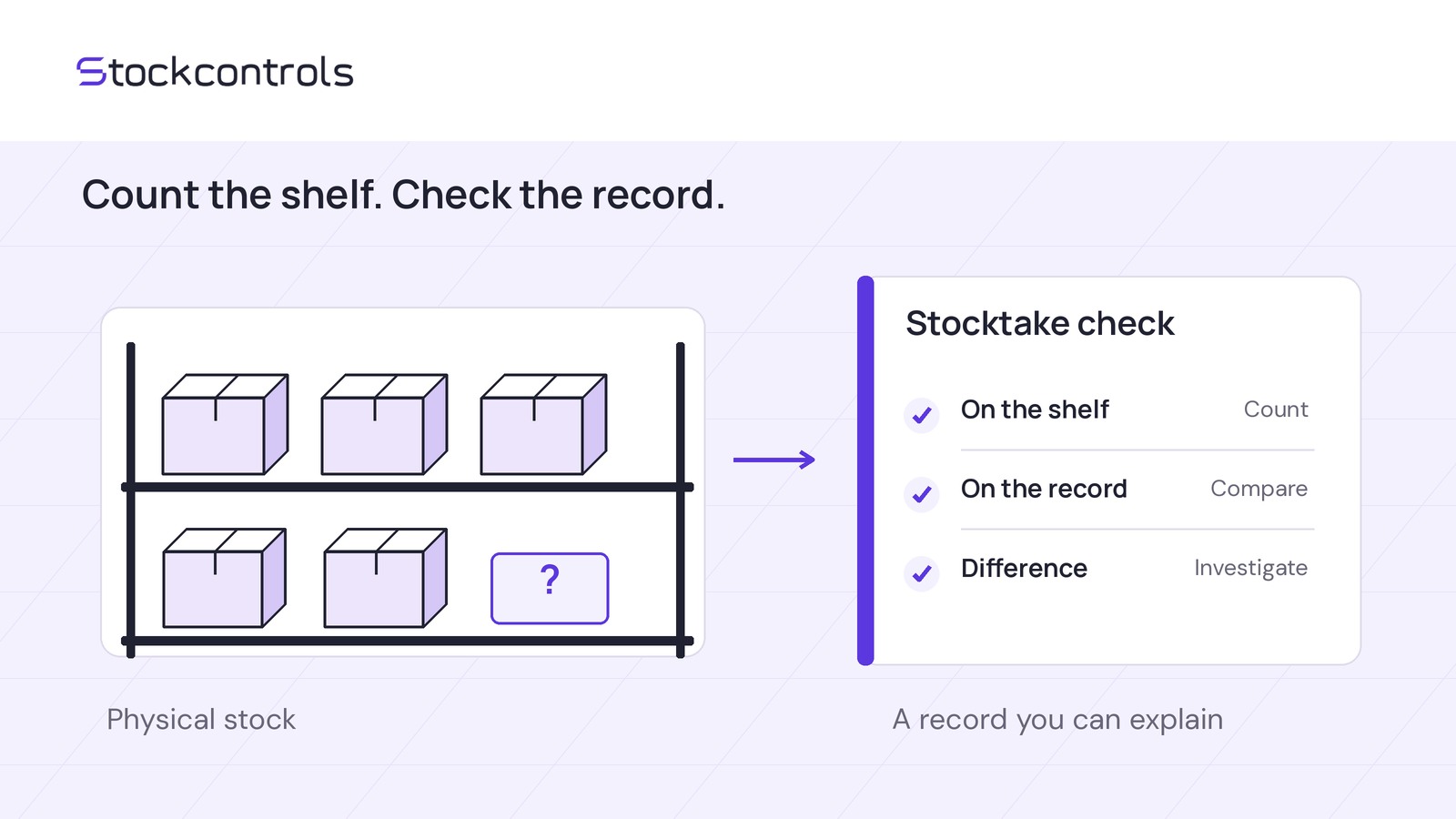
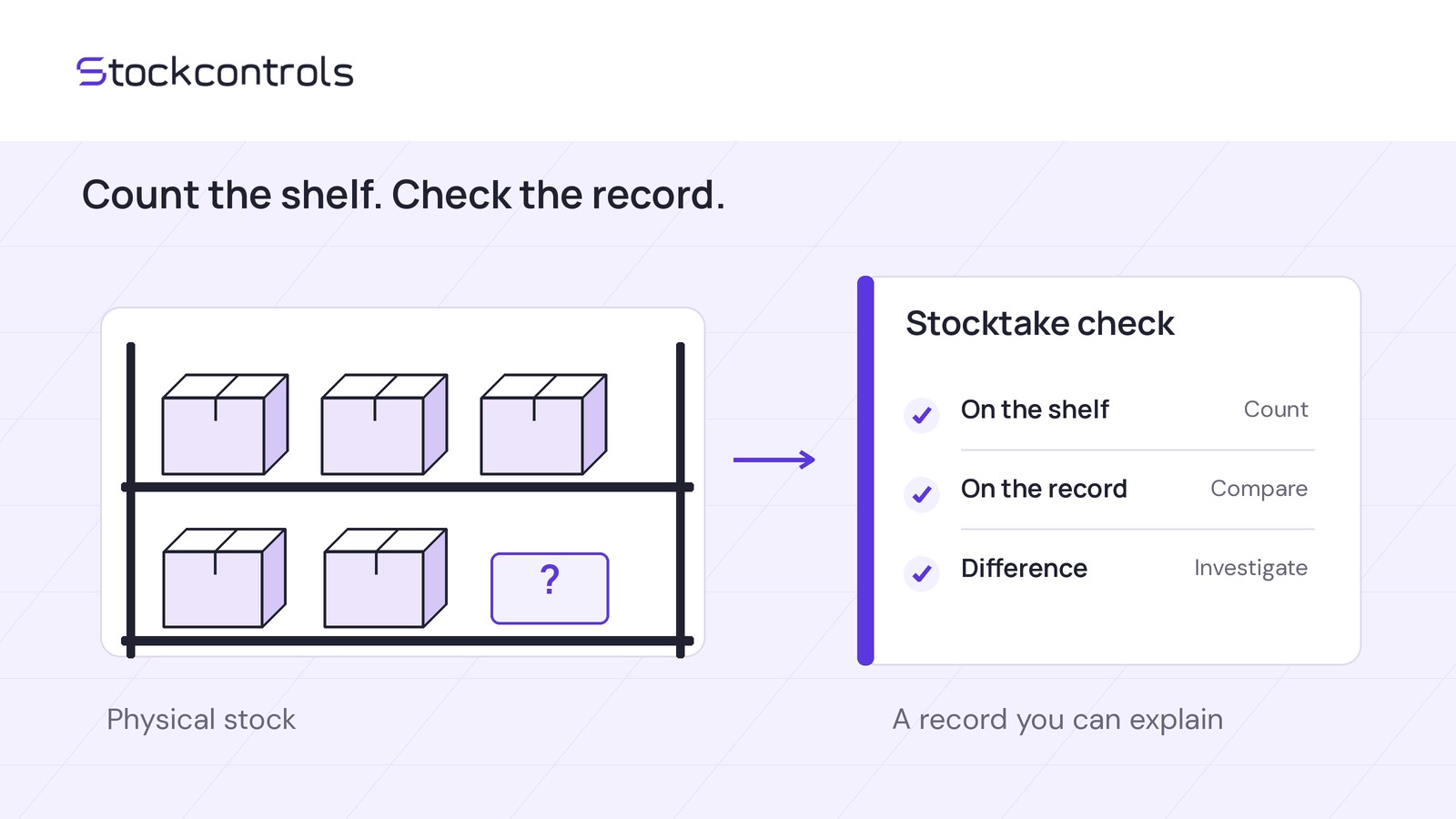
Before editing, compare one SKU’s usable physical stock with outstanding units whose deductions remain in effect. Preserve an explained balance, correct a proven error, or hold the edit when evidence is incomplete.
Set one scope and cutoff
Identify the SKU or variation and the record that owns its stock quantity. If variations share a pool, reconcile it once, including commitments for every variation using it.
Choose a cutoff date, time and time zone. Record the quantity and count all usable units physically present, including allocated goods on shelves or in pick-and-pack areas. Keep damaged or quarantined goods and expected deliveries separate.
Use that same cutoff for order records and stock movements, accounting for sales, dispatches, receipts, returns and edits.
Check which commitments actually reduced stock
Review order lines for the pool: identify units still owed and not dispatched or collected, verify their stock deductions, and check any restorations.
In the hypothetical example below, an order for eight units caused a single eight-unit stock deduction. Two units were dispatched without another deduction, and no stock was restored. Six remain owed. This deduction and dispatch sequence is an assumption of the example, not a WooCommerce-wide rule.
The dispatched units are absent from the physical count, so subtracting the original eight would overstate the remaining commitment.
Order status alone is not stock evidence. Check your actual process and connected systems. A monetary refund does not establish that goods returned or stock was restored.
Keep reservations and orders that have not reduced recorded stock separate. They can affect what you may promise customers but are not already-recorded deductions.
Use available movement records alongside order notes, dispatch records, receipts and staff evidence. History may be incomplete: a missing entry does not prove no change occurred.
Calculate the expected recorded quantity
For a verified process that deducts stock before dispatch, compare:
Full usable physical units minus outstanding units whose deductions remain in effect.
This gives the expected recorded quantity if other movements are accounted for. Confirm what recorded stock represents in your setup; this is not a universal rule for inventory integrations.
Do not start with an available-to-sell count that already excludes allocated goods, then subtract them again. This comparison needs the full usable physical count.
Describe the recorded quantity relative to the expected quantity: two units too low or six units too high, not an unlabeled difference. The numerical gap alone does not authorize an edit.
Follow a six-unit deficit through a delivery
Hypothetical cutoff: 10 December 2026, 09:00 UTC. Continuing the eight-unit order above, six units remain owed with deductions still in effect. There are no other commitments, reservations or unreconciled movements.
- Full usable physical count: 0.
- Outstanding, already-deducted units: 6.
- Expected recorded quantity: -6.
- Actual recorded quantity: -6.
- Discrepancy: none.
- Decision: preserve.
Later that day, ten usable units arrive. Assume this receipt has not already been posted and is the only movement since the cutoff. Adding it once changes the recorded quantity from -6 to 4.
There are now ten physical units: six for existing orders and four uncommitted. Subtracting six again from the recorded balance of 4 would count the same obligation twice.
If the quantity had first been reset to zero, that receipt would leave it at 10, while six units remained owed. The balance would be six units too high; the reset would not cancel those orders.
Choose preserve, correct or hold
Preserve an explained negative balance
If verified counts, obligations and movements explain the recorded quantity, leave it unchanged. A matching total without reliable evidence is not enough.
Correct a proven discrepancy
In a separate hypothetical review, a verified duplicate two-unit stock reduction leaves the recorded quantity at -8 instead of the expected -6: two units too low. With no intervening movements, the justified correction is +2, not a reset to zero.
Resolve the source of the duplicate and check that no correction has already posted. Use your authorized process once; record the reason and evidence, then verify the saved before/after quantities.
Hold when evidence does not reconcile
If deductions, restorations, stock ownership or movements remain uncertain, hold the edit. An unexplained negative balance is not automatically correct either.
Assign the investigation to an owner with a review time. Holding the edit does not remove the need to follow up on customer commitments.
Keep a dated decision record
Copy these six lines into a note or spreadsheet and complete them for one stock pool:
- Scope/cutoff: Stock-owning record ID; included SKUs; cutoff date, time and time zone.
- Physical and recorded quantities: Full usable physical count; count evidence; actual recorded quantity at the cutoff.
- Commitments and evidence: Outstanding units with deductions still in effect; deduction, restoration and fulfilment references. Undeducted commitments, kept separate: quantity and references.
- Expected quantity and discrepancy: Expected recorded quantity; discrepancy stated as units too high, units too low or no difference.
- Decision/reason: Preserve, correct or hold; supporting reason; any proposed adjustment and its evidence.
- Reviewer and follow-up: Reviewer; unresolved questions; next action, owner and review deadline.
Choose one negative SKU and complete this record. Before any live correction, account for movements since the cutoff and confirm that the proposed edit is still justified.