
 Pro preview
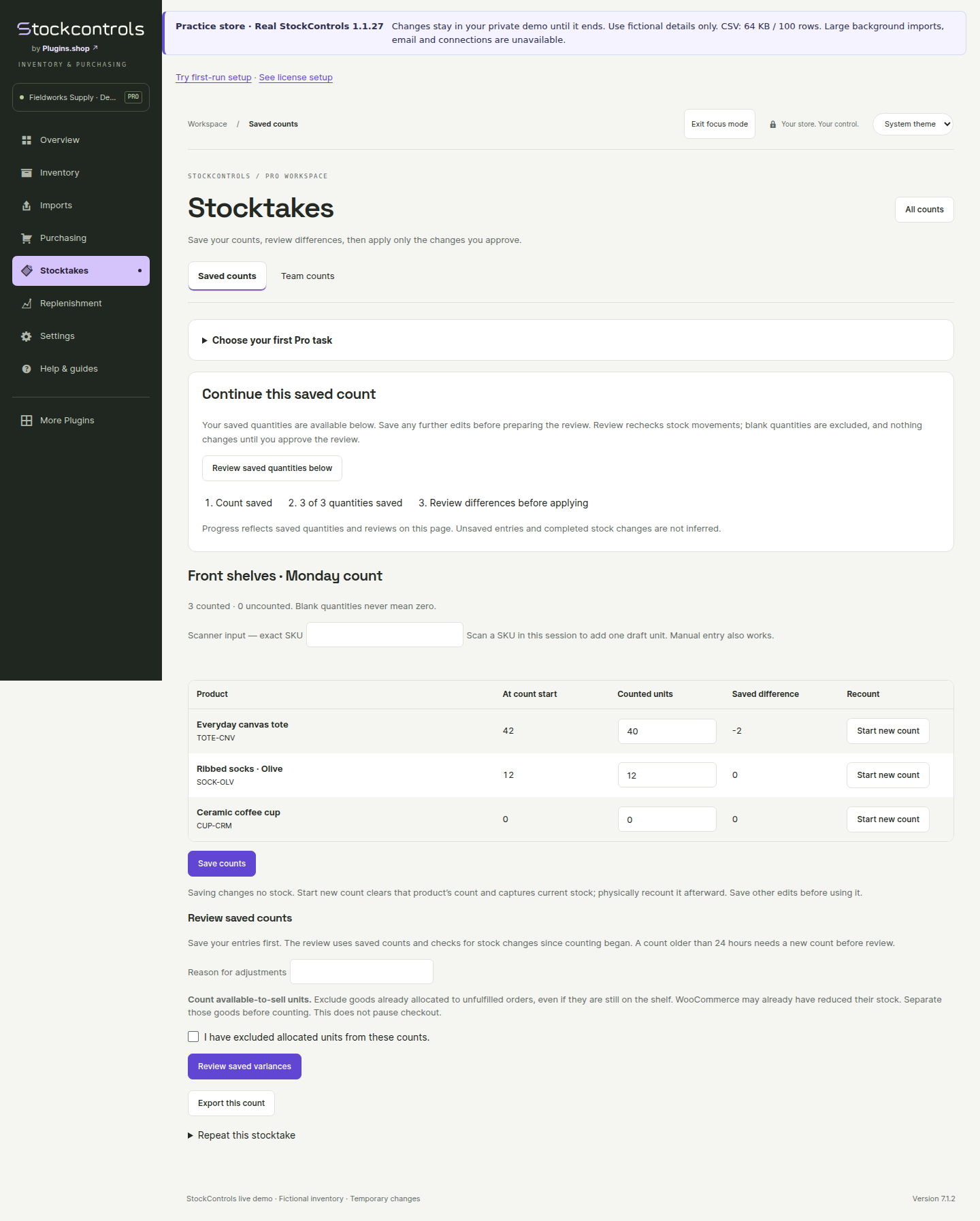
Save and finish a stocktake
Keep counted quantities, return to unfinished work and review differences before changing live stock.
Try a saved stocktake ↗Save your stocktakes. Review the differences. Turn recent sales and supplier timings into purchasing decisions you can explain.
The Pro add-on builds on Free. Free is currently 1.1.27 on WordPress.org; Pro customer delivery is 1.1.25. Activate your license once to unlock Pro on this site; activated tools keep working through expiry and service outages.
Count on your schedule without losing your place. Save what you have counted, return later and review the variance before changing live stock.
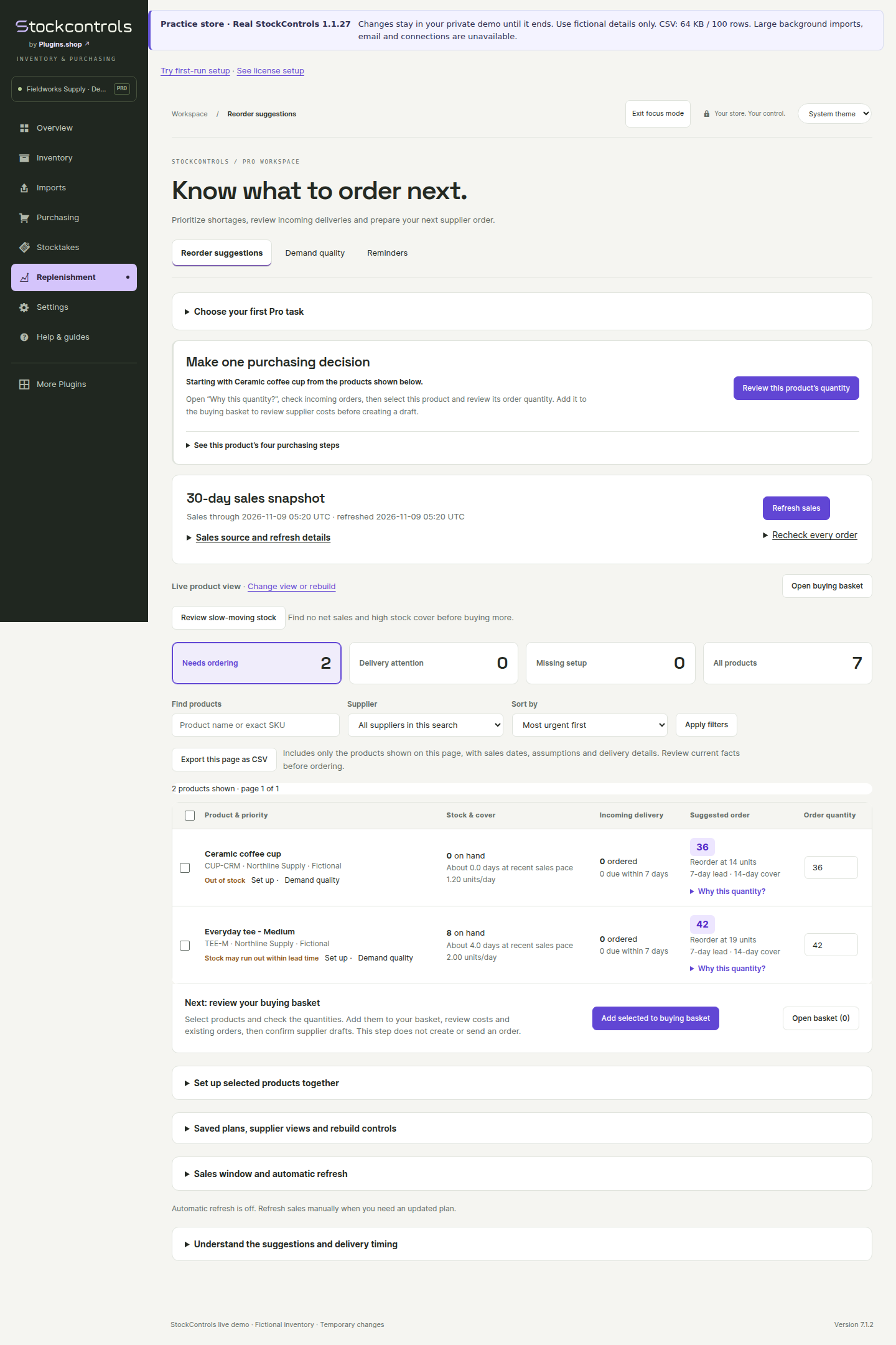
Bring recent sales, current stock, incoming deliveries and supplier settings into one purchasing view.
Pro helps organize the decision. It does not send supplier orders automatically.
Alternative supplier terms and a buying basket help turn reviewed quantities into supplier-specific drafts.
Try the buying workflow ProReview multiple shipment lines and dates for the goods still to come. Free remains responsible for ordinary partial and full receipts.
See the receiving boundary ProOptional local reminders and separately enabled staff summaries help surface reorder and overdue work. They are off until configured.
Read the planning guideFour practical Pro workflows help you move from a saved count or stock question to a decision you can explain.
Create a separate blank count with current baselines. The original quantities, team review and history stay in the original record.
See how repeating works ↗Decision CSVExport up to 25 displayed products with dates, assumptions, incoming goods and warnings. This is a decision sheet, not a whole-catalog export.
Understand the export ↗Supplier comparisonSee adjusted quantities, extra units, estimated product cost and lead time. Unknown costs stay unknown; currencies stay separate.
Compare supplier options ↗Stock attentionReview no net sales, high cover and incomplete evidence with the sales window and thresholds visible. No automatic stock or purchasing changes.
Explore stock attention ↗Suppose you sell two units a day, your supplier takes seven days, you want fourteen days of cover, and you keep five safety units.
With eight on hand and no eligible incoming units, stock is below the reorder point. The example suggestion is 39 units, before any minimum order or pack rounding.
Read the full calculationIt is an explained recent-sales baseline. It does not predict seasonality, promotions or future demand. Review the settings and existing supplier orders before buying.
No. Ordinary purchase orders, full and partial receiving, amendments and cancellation are included in Free. Pro adds buying baskets, alternative supplier terms and reviewed multi-line shipment planning.
Saved stocktakes and their results remain retained. Reconciliation pauses until a compatible Pro add-on returns. Do not uninstall plugins to perform an ordinary update.
A keyboard scanner can type an exact SKU into lookup or add a draft unit to a matching saved Pro count line. Camera scanning and barcode-label generation are not included. Read the counting guide.
Warehouse quantity allocation, cross-store synchronization, supplier email/API ordering and accounting integrations are not included. Review all current limits.
Free includes clearly marked previews of saved stocktakes, replenishment and advanced buying. See genuine Pro screens with fictional sample data, understand the steps, then try the workflow in a separate demo. Open a screenshot for a closer look.
Pro previewKeep counted quantities, return to unfinished work and review differences before changing live stock.
Try a saved stocktake ↗Pro previewReview the sales window, supplier lead time and available stock behind a proposed reorder.
Try replenishment ↗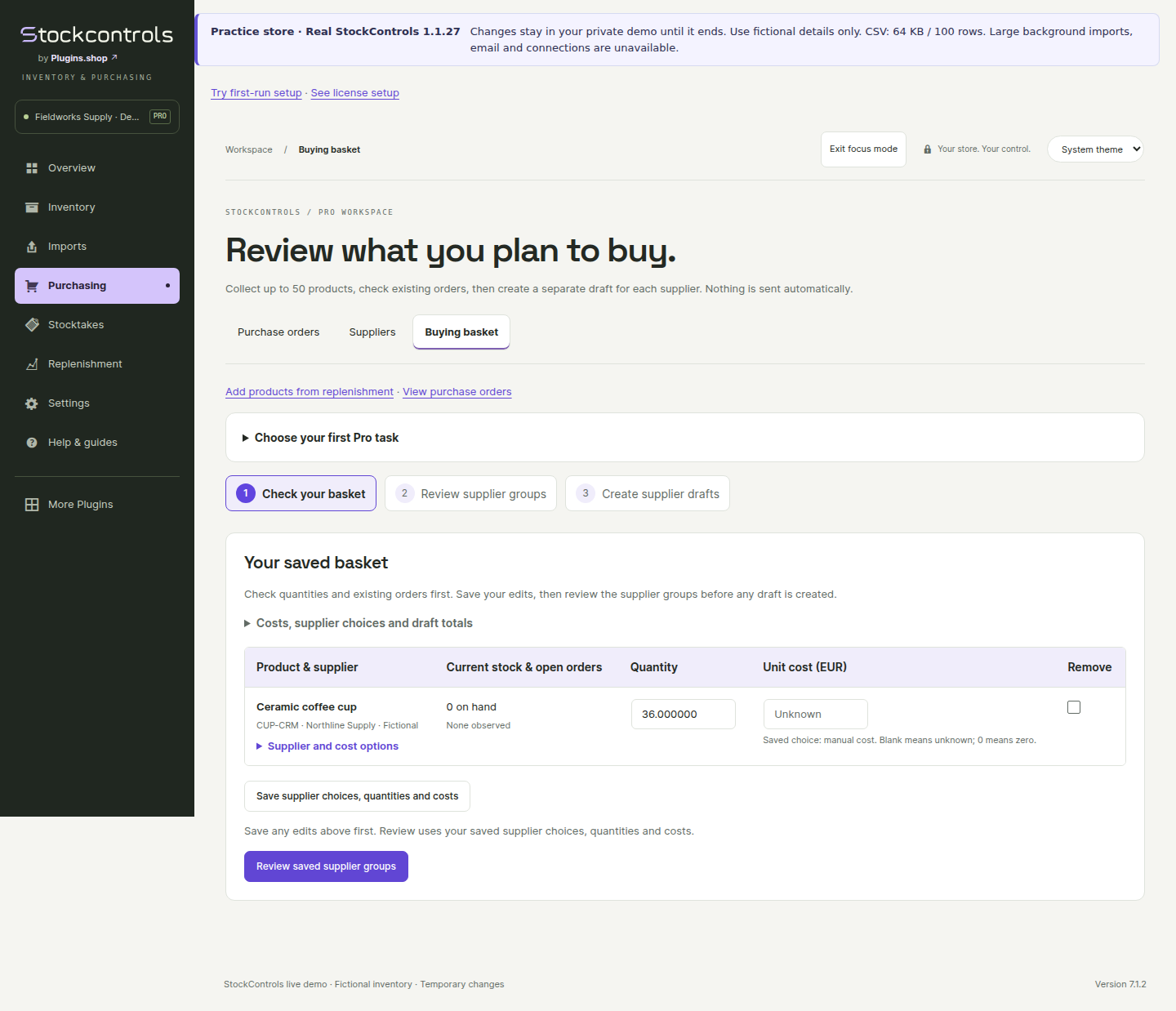 Pro preview
Collect suggestions, review supplier quantities and costs, then create a purchase-order draft.
Try a buying basket ↗Examples are labelled and do not change your store. Preview tabs and contextual suggestions can be hidden and restored. Free stock adjustments, CSV tools, suppliers, purchase orders, PDFs and receiving remain available.