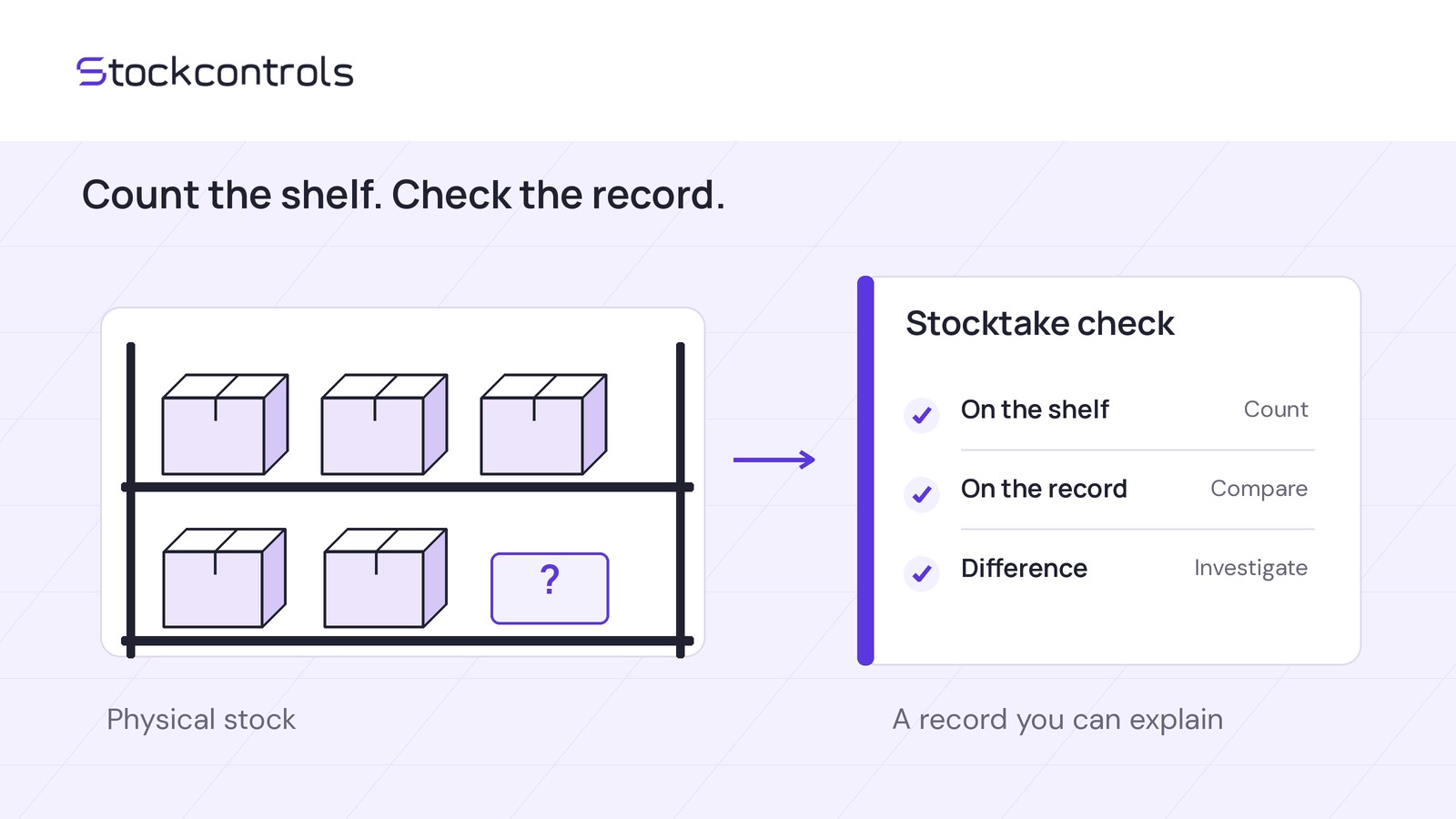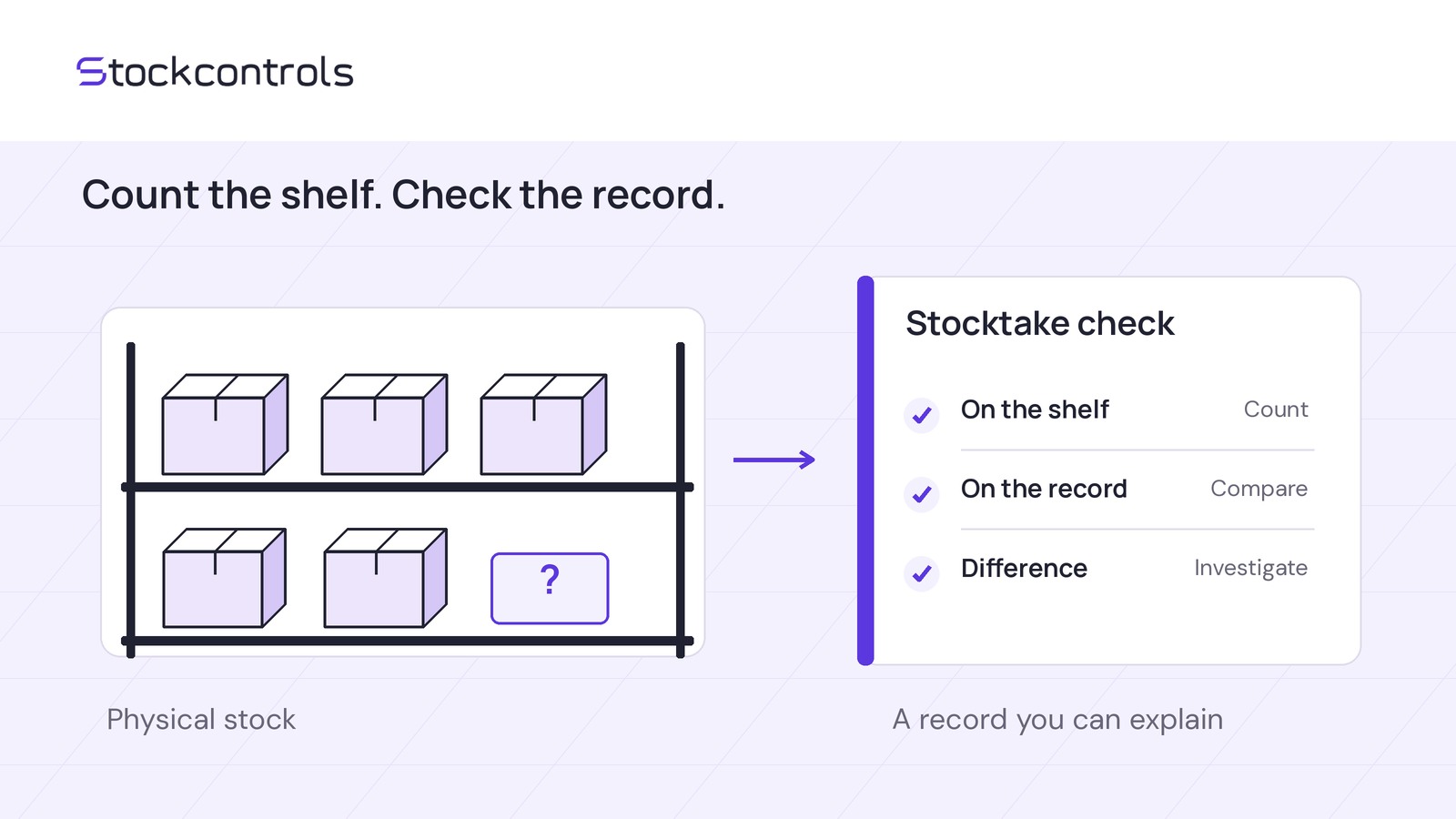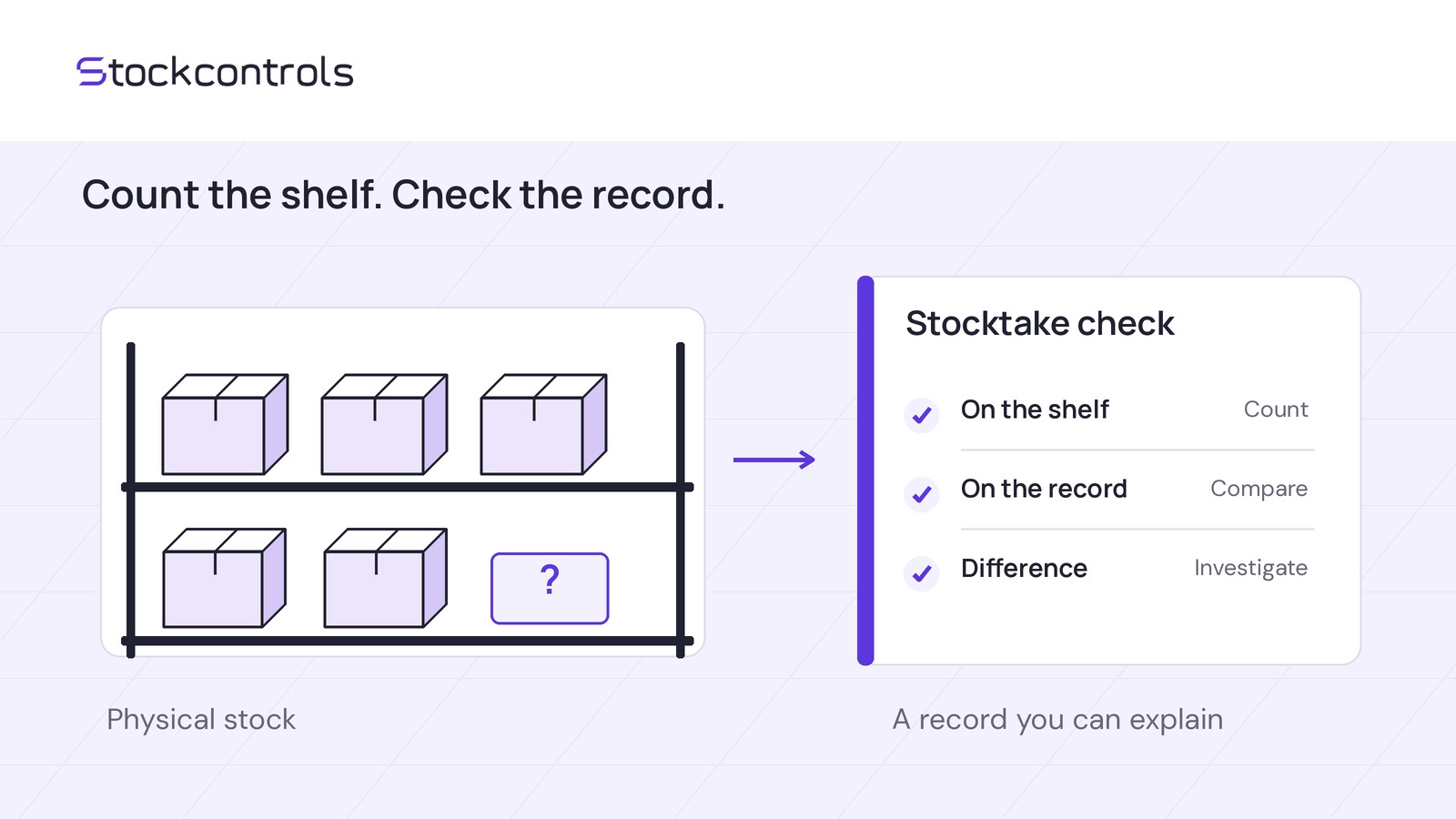
Save the unfinished count, then hand over observations—not approval to change stock. Pass on reopening details, counted and uncounted SKUs, observation times, unresolved questions, the next operator and the reconciliation owner. Uncounted is not zero.
StockControls Pro supports saved count lists, saved progress, team counts, variance review and reconciliation. Reconcile only after reviewing observations and intervening movements; otherwise record a hold with an owner and review time.
Prepare the workspace and access
Saved and resumable stocktakes require compatible active Pro alongside Free, even for one operator. Free handles immediate manual corrections with reasons and history.
A shared count sheet plus your existing WooCommerce stock-editing process is a manual alternative. Your team must maintain progress, observation times and approvals separately.
For hands-on evaluation:
- Back up the store and use staging with two independently stock-managed simple test products.
- Install and activate Free first, then Pro, using matched 1.1.20 packages. Paid checkout is available; Pro downloads are private through eligible purchase accounts.
- Follow the installation guide for version and database requirements and setup checks. Test your stock, import, POS and inventory extensions.
- Use authorized operators and team counts. Verify incoming-operator access on staging rather than assuming a single-operator workspace can be reassigned.
Stored stocktakes are retained if Pro is missing; resuming requires a compatible active add-on.
Save progress and leave a usable note
This is a hypothetical staging test, not a reported result. Recorded WooCommerce quantities start at SKU A: 20 and SKU B: 6. Assume reconciliation is the only stock change: no sales, returns, receipts, imports or other adjustments during the test.
Include both SKUs in a team count. Alex counts A at 18, leaves B uncounted, and saves progress without reconciling or making a separate manual correction.
Keep the handoff note in a shared document or shift log. These are manual records, not plugin fields or automatic assignments. Fill in reopening details from your actual staging workspace, and use actual operators and times in your own record.
- Scope: T-01, the team's own reference, not a plugin ID; SKU A and SKU B. Fictional shift: 12 November 2026, starting at 14:40; all times UTC.
- Reopening details: Pending staging verification. Record actual steps and visible identifying details; Jo must confirm they open the intended saved A/B count.
- Counted: Alex observed A at 18 at 14:45; recorded count-start quantity 20.
- Uncounted: B has no observation; recorded count-start quantity 6.
- Progress and questions: Saved at 14:50; B's count and movement review remain outstanding; no reconciliation authorized.
- Next operator: Jo at 15:00, to verify access and saved state, then complete B.
- Reconciliation responsibility: Morgan, authorized stock lead, owns variance review and reconciliation; review scheduled for 15:15.
A's 18 is an observation awaiting review; B's missing observation is unfinished work, not a zero count.
Check access, then check the evidence
Access check: Jo must reopen the intended team count and verify its saved state. Access failure or missing progress blocks the handoff. Record the problem, follow-up owner and review time.
Evidence check: Review observation times and stock movements before authorizing reconciliation. Do not assume a saved stocktake freezes sales or other movements. Stale-stock checks do not make an earlier observation current.
StockControls history covers its changes and WooCommerce stock hooks while active. Direct database writes and pre-installation changes are outside coverage. Missing history cannot prove nothing changed; check other relevant movement records and staff notes too.
A sale after A's count breaks this test's no-movement assumption. If you cannot establish count times or resolve intervening movements, hold reconciliation and obtain fresh dated counts. Do not force 18 onto changed stock or derive a correction from incomplete records.
Proceed only when access and saved progress are verified, every scoped SKU has a usable dated observation, movement questions are resolved and Morgan accepts the variances.
Continue the same hypothetical note:
- 15:05 update: Jo counts B at 6 and enters the observation.
- 15:15 decision, if checks pass: Morgan authorizes reconciliation after variance review.
- Alternative hold decision: If A's observation is unreliable, Jo owns a fresh dated count; Morgan reviews at 15:45. Reconciliation remains on hold.
Verify the full sequence on staging
Run these checks in order for the stated no-movement example. These are expected results, not a completed test. Record findings in the separate handoff note.
If a check fails, record and investigate the discrepancy rather than repeating reconciliation to force the expected numbers.
Put the handoff plan to work
Review the Pro workflow overview for feature scope, then choose your next step:
- Planning without access: Draft the handoff note, name the next operator and reviewer, and list questions about reopening the count and operator permissions.
- With authorized access: Verify the reopening details, then run the full staging test with your team before relying on the workflow.