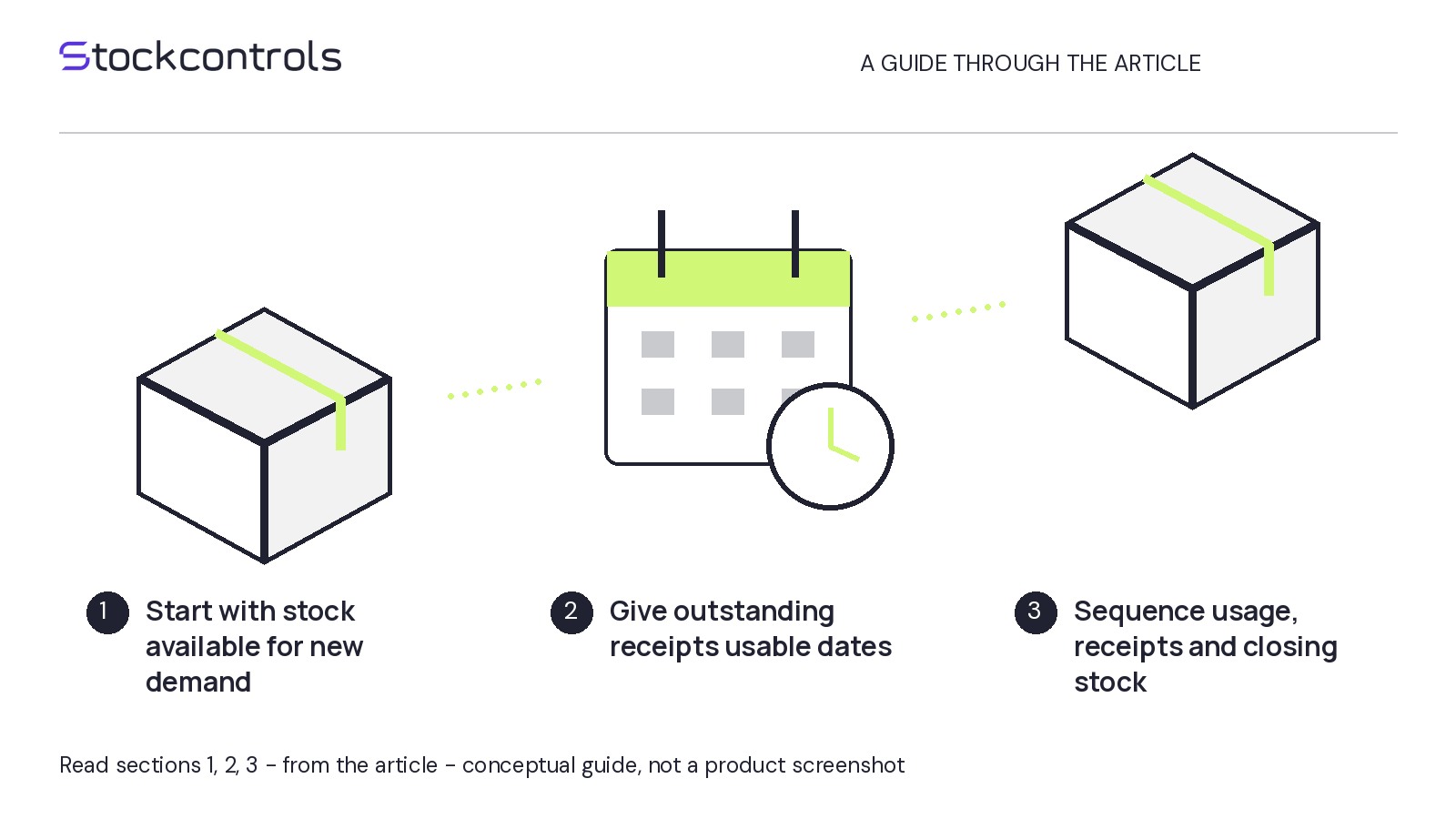
If customers could not buy a SKU for part of your sales window, its calendar-day average is availability-limited. Start with dated availability evidence: a lower average alone is not proof of weaker demand.
This diagnosis follows one WooCommerce SKU or variation with backorders disabled throughout the reviewed period. The goal is a justified historical planning window—or an explicit insufficient-evidence decision—not an estimate of lost demand.
Keep the sales measure consistent
Start with one exact SKU or variation, a start date, an end date and the store’s time zone. Use complete days rather than including a partly finished day.
Write down what “units sold” includes: order statuses, cancellations, refunds and the date used to assign a sale or deduction. Keep that definition unchanged across windows. Do not compare gross units in one period with net units in another.
Record an as-of date and time for the sales data, because later refunds or status changes can alter the totals.
Orders establish recorded purchases, but they cannot establish historical availability on their own. A day without orders is not necessarily a day when purchasing was impossible.
Build the availability timeline from dated evidence
Gather dated evidence showing when that exact item stopped accepting purchases and resumed. Possible sources include retained stock/status records, historical backorder settings, dated storefront checks and operational notes. Do not assume your store has a complete history.
Classify each day in the chosen time zone:
- Fully available: Evidence supports purchasing being possible throughout the day. Retain the day even if sales were zero.
- Fully unavailable: Evidence supports purchasing being impossible throughout the day, with backorders disabled.
- Partially available: A verified availability change occurred within the day; preserve the transition times you know.
- Unknown: Missing or conflicting records prevent a supported classification.
Zero on-hand quantity alone does not prove purchases stopped. Neither today’s settings nor gaps between orders establish the historical situation. A single dated observation establishes a moment, not necessarily an entire day.
If counted sales fall on a supposedly unavailable date, reconcile the order dates and availability evidence before calculating. Keep partial and unknown days labelled rather than silently treating them as stockout days.
Compare observed rates, not forecasts
Hypothetical example: Review SKU MUG-01 for 1–30 April in UTC. It is fully unavailable on 1–10 April and fully available throughout all 20 days from 11–30 April. Assume complete dated evidence for both intervals, backorders disabled throughout, and no partial or unknown days.
An order extract taken on 1 May at 09:00 UTC shows 60 units, all from completed purchases dated 11–30 April. No cancellations or refunds are recorded as of that time. Some available days record zero sales; those days remain included.
- Calendar-day rate: 60 units divided by 30 days gives 2 units per calendar day.
- Available-day rate: 60 units divided by 20 days gives 3 units per available day.
The 2-unit figure describes calendar-day sales under interrupted availability; the 3-unit figure describes sales during confirmed available days. The difference comes from counting 30 days rather than 20. Neither rate establishes lost sales or future demand.
Select a historical input—or flag insufficient evidence
A comparable, fully available window can be a better baseline than one interrupted by stockouts. Look for a documented available stretch within the original period or an earlier window.
Compare each candidate with the selling conditions you are planning for: prices, promotions, season, weekday/weekend mix, channels and listing changes. An older period before a price change or a short promotional stretch may be unsuitable. Do not choose dates merely because they produce a higher average.
- If full availability and comparable selling conditions are documented: Record the chosen dates and why they are suitable.
- If availability includes partial or unknown days: Consider a documented subset of fully available whole days with its matching sales total, or another window. Apply the same comparability checks.
- If no candidate passes both checks: Record insufficient evidence and the next evidence-gathering action.
The April example supports a valid rate calculation for 11–30 April, not yet a justified planning baseline: comparable selling conditions remain unverified.
Neither observed rate is an order quantity. A separate buying decision needs current stock, existing supplier orders, lead time and purchasing constraints.
Record why the window was accepted or rejected
Save a manual decision note with your supplier planning records. Here is the completed hypothetical record. A1, B1 and S1 are fictional evidence references, not reports assumed to exist in WooCommerce.
- Scope: SKU MUG-01; 1–30 April; store time zone UTC.
- Sales definition: Units from completed purchases, grouped by original purchase date; exclude cancelled units and deduct refunded units against that date. Neither is recorded as of the extraction time.
- Availability evidence: A1, the complete retained purchase-availability history, supports 1–10 April fully unavailable and 11–30 April fully available. B1, dated settings history, confirms backorders disabled throughout. No partial or unknown days; available zero-sales days retained.
- Sales evidence and comparison: S1, April’s order extract taken on 1 May at 09:00 UTC, supports 60 units, all on 11–30 April. Rates: 2 units per calendar day across 30 days; 3 per available day across 20 days.
- Candidate and unresolved checks: 11–30 April. Price, promotions, season, weekday/weekend mix, channels and listing changes have not yet been checked for comparability.
- Decision: Insufficient evidence for a planning baseline; retain the full-month average as availability-limited context.
- Owner and review date: Alex, stock buyer; 3 May. Gather dated price and promotion records, check the remaining comparability factors and revisit the decision.
Complete the same fields for your SKU’s latest stockout. Verify the evidence for every day labelled fully available or fully unavailable, then either justify the candidate window or assign the missing checks to an owner and review date.